
Every year, Apple works to improve the already solid MacBook Pro without losing what makes the laptop so beloved. With the March 2026 refresh powered by the Apple M5 chip family, the company has managed to do exactly that, delivering a machine that feels purpose-built for content creation and other professional workflows. While on the surface it may seem like a relatively safe update, the new system-on-chip architecture at the heart of the device makes the 2026 MacBook Pro well worth considering if you are due for an upgrade.
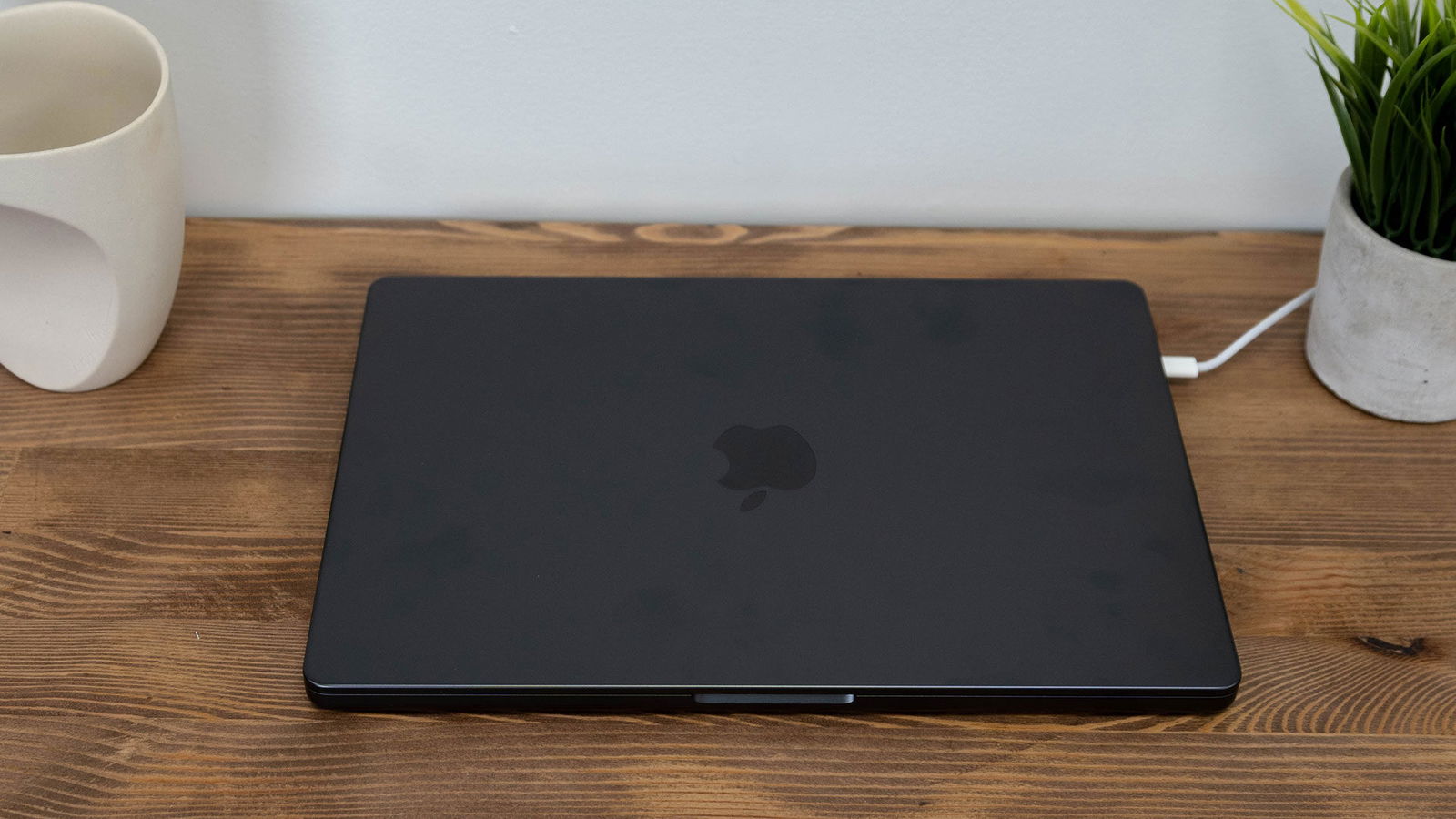
Unboxing this year’s MacBook Pro reveals a laptop that feels almost indistinguishable from last year’s model. The 14-inch unit we were sent for review looks nearly identical to the version we reviewed previously. The only noticeable difference is that the new model is slightly heavier at 1.58 kilograms compared with 1.54 kilograms. Considering that the new model includes additional RAM, a nano-texture display option, and an updated system-on-chip, the weight difference makes sense. The MacBook Pro line also remains one of the best-looking laptop ranges on the market, so anyone who liked previous designs will feel right at home with the 2026 version.

This year’s MacBook Pro is available in 14-inch and 16-inch configurations and runs on one of three chips: the Apple M5, Apple M5 Pro or Apple M5 Max. Apple built all three using advanced three-nanometre process technology, and the performance improvements appear across the board. The base M5 includes up to a 10-core CPU paired with up to a 10-core GPU and supports up to 32 GB of unified memory with 153 GB/s of bandwidth.
Stepping up to the M5 Pro increases that to as many as 18 CPU cores and up to 20 GPU cores, alongside support for up to 64 GB of unified memory and 307 GB/s of bandwidth. The M5 Max pairs the same 18-core CPU with up to 40 GPU cores, supports up to 128 GB of unified memory and delivers an enormous 614 GB/s of memory bandwidth. Apple also introduced a new dual-die architecture for the M5 Pro, allowing it to scale performance while keeping power consumption under control, though we’ll have more on performance and battery life when we get to our benchmarks.
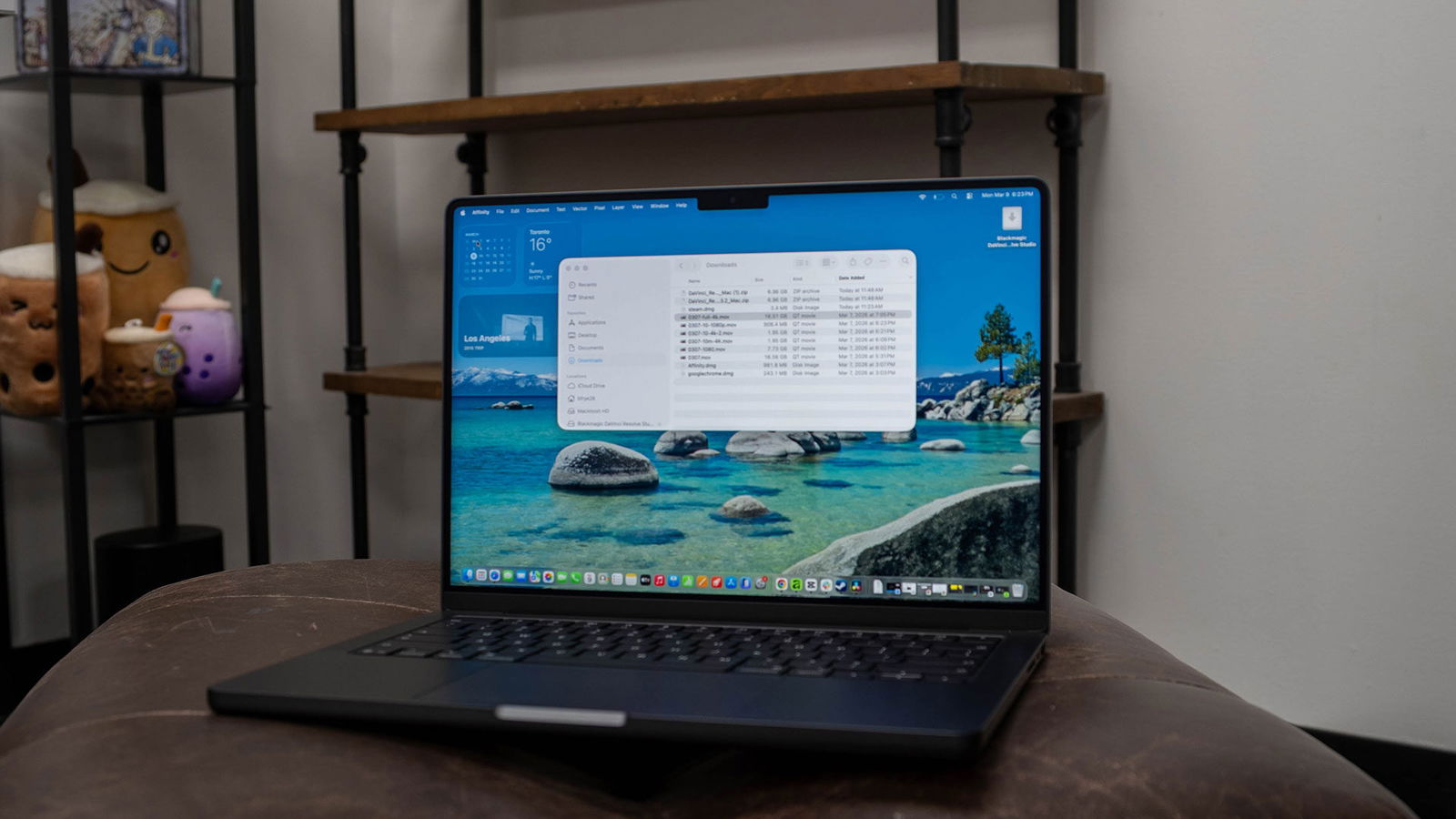
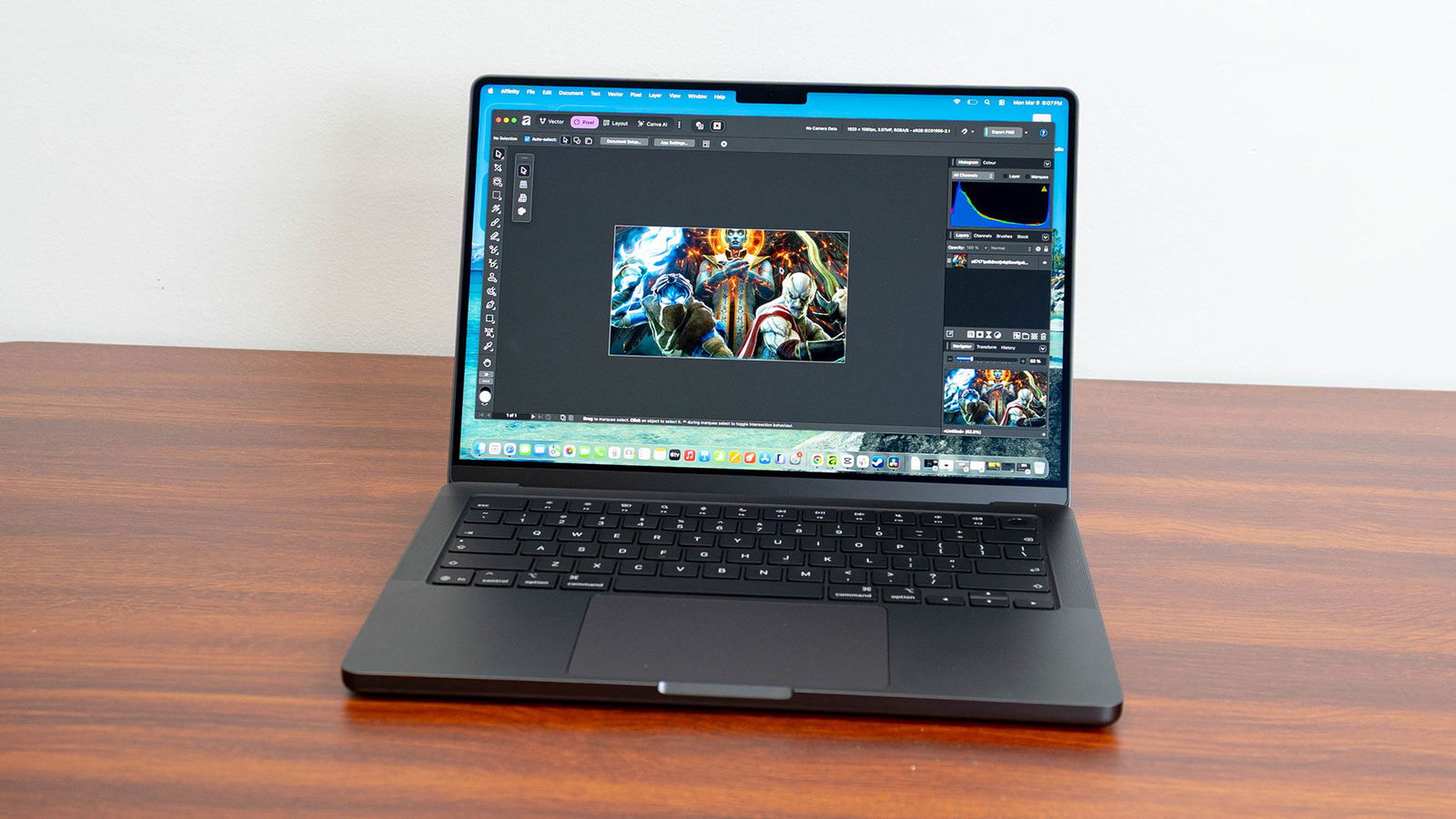
The MacBook Pro’s screen is a thing of beauty, delivering a fantastic visual experience, especially for creators and designers who rely on displays that are accurate and clear. The Liquid Retina XDR panel hits up to 1,600 nits of peak HDR brightness and 1,000 nits of sustained full-screen HDR brightness, with support for a billion colours and the full DCI-P3 colour gamut.
ProMotion keeps the refresh rate adaptive up to 120 Hz, and in bright rooms, SDR brightness can reach up to 1,000 nits. In dim conditions, it drops all the way down to one nit, which is a nice touch for late-night editing sessions. A nano-texture option, the one we reviewed, is available on the M5 Pro and M5 Max models, reducing glare without compromising image quality. If you have ever tried to colour-grade footage next to a sunny window, you know how much that matters.
“The MacBook Pro’s screen is a thing of beauty, delivering a fantastic visual experience, especially for creators and designers who rely on displays that are accurate and clear.”
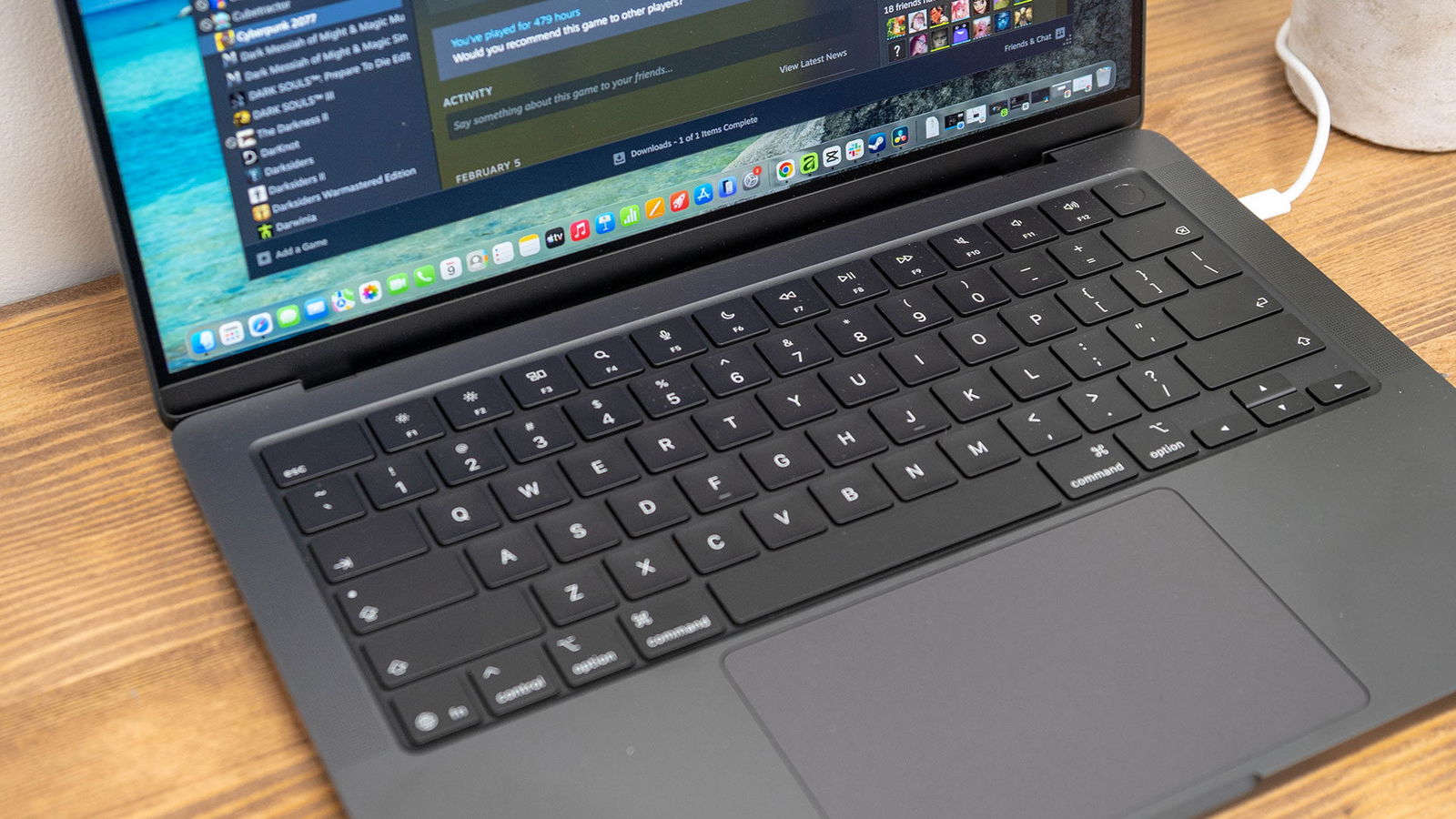
The keyboard and trackpad remain consistent with past iterations, delivering a solid typing feel, full per-key backlighting, and enough travel to make the keyboard a joy to use. Thankfully, it includes TouchID for login and online shopping if you wish to get that all set up on the system. The large Force Touch trackpad also maintains the level of quality people have come to expect from Apple products.
For anyone who dislikes the feel of Force Touch trackpads, this year’s model does little to change the experience, though it works well overall. As much as I am not a fan of this trackpad style, and I know I am in the minority there, it delivers what people expect and works well within macOS, thanks to the built-in gestures that make navigating the operating system quick and intuitive.
The Apple MacBook Pro line has stood the test of time because of the complete package it offers to people who need that pro-level performance and fidelity, and that remains true with this year’s model. The 14-inch MacBook Pro is a solid all-around package that delivers strong results across a range of tests, but beyond that, it is simply a joy to use for everything from video editing in DaVinci Resolve to photo and design work in the Affinity suite. The screen makes even colour-critical work deliver fantastically accurate results, and combined with the optional nano-texture display, you have a laptop that delivers where it matters most. Even with all of those core features, though, it is the new system-on-chip at the heart of the machine that makes it so exciting. This is the big update, and what will push people to make the leap and buy, or skip, this new model, depending on their needs.
Every GPU core in the M5 family includes what Apple calls a Neural Accelerator, and the 16-core Neural Engine complements those accelerators across the chip. Together, they deliver nearly four times the AI performance of the M4 Pro and M4 Max, and up to eight times that of the M1 Pro and M1 Max. What makes this especially interesting is that the Neural Accelerators can handle AI training workloads, not just inference, and support a range of local AI tasks if that is something you are looking to explore.
Apple says the M5 Max can train AI models up to three times faster than the M4 Max and up to 12 times faster than the M1 Max. That means tasks that once required a desktop workstation, such as training local transformer models or working with large custom datasets, can now run on a laptop, even while on battery power. For developers and researchers, that is a meaningful shift.

We did some basic AI testing, and the 2026 M5 Pro MacBook Pro handled a range of local models, including ones from Meta, Mistral and DeepSeek. Thankfully, if you do not care about AI, this support does not come at the expense of overall performance. For people who do want to take advantage of local LLM performance, the capability is there when needed.
Apple says the storage in the M5 Pro and M5 Max models is up to two times faster than the previous generation, with sequential read and write speeds reaching up to 12 GB/s. In our in-house testing, those numbers held up. That makes a real difference when you are importing large batches of RAW images or loading locally stored large language models.
“The 14-inch MacBook Pro is a solid all-around package that delivers strong results across a range of tests…”
The M5 Max can be configured with up to 8 TB of storage, while all models, including the 14-inch version with the base M5, now start at 1 TB. That is a welcome change from previous generations, where entry-level storage felt a bit cramped and offered less room to explore a range of use cases, including video editing, gaming and everyday storage.

The M5 Pro and M5 Max models come with three Thunderbolt 5 ports capable of up to 120 GB/s, alongside an HDMI 2.1 port that supports 4K at up to 240 Hz or 8K at up to 60 Hz with variable refresh rate. There is also an SDXC card slot, a MagSafe 3 charging port and a 3.5 mm headphone jack that detects impedance and adjusts voltage for high-end headphones.
The Apple N1 chip handles wireless duties, bringing Wi-Fi 7 with speeds up to 2.4 Gb/s on the 6 GHz band and Bluetooth 6. The M5 Pro supports up to three external displays simultaneously, and the M5 Max handles up to four, all while keeping the built-in display running at full native resolution. Both can also drive two Apple Studio Display XDRs at full 5K resolution and 120 Hz over a single Thunderbolt 5 connection.
The camera and audio setup round out the hardware nicely, delivering a solid overall computing experience on par with what we have come to expect from the MacBook Pro lineup. The 12-megapixel Centre Stage camera uses machine learning to keep you centred in the frame during video calls, and Desk View lets you share a top-down view of whatever is in front of you. The six-speaker sound system, with four force-cancelling woofers and two tweeters, supports Dolby Atmos spatial audio, and the three-microphone array uses directional beamforming to capture clean audio. It all works together smoothly, whether you are on a FaceTime call or recording a podcast.

The M5 Pro is a notable improvement over last year’s M5, and that comes through in the benchmarks Apple released in the lead-up to its release. Apple boasts that the new M5 Pro compiles code in Xcode up to 2.4 times faster than the M1 Pro and about 1.8 times faster than the M4 Pro. AI image generation on the M5 Pro runs up to 7.8 times faster than on the M1 Pro and 2.1 times faster than on the M4 Pro. In Redshift 3D rendering, it clocks in at 5.2x faster than the M1 Pro and 3.6x faster than the M4 Pro.
Benchmarks like this can be misleading, since the picture is never entirely clear when comparing last year’s MacBook Pro with the new iteration. That is not to say the new model does not show improvement, only that the jump is less dramatic than some might expect. We put the MacBook Pro with M5 Pro up against last year’s M5 model, and while it is difficult to make a true apples-to-apples comparison because of memory configurations, SSD speeds and other smaller variables, it still gives a useful baseline for narrowing down the differences and showing what buyers can expect if they waited for this release before picking up a new laptop.
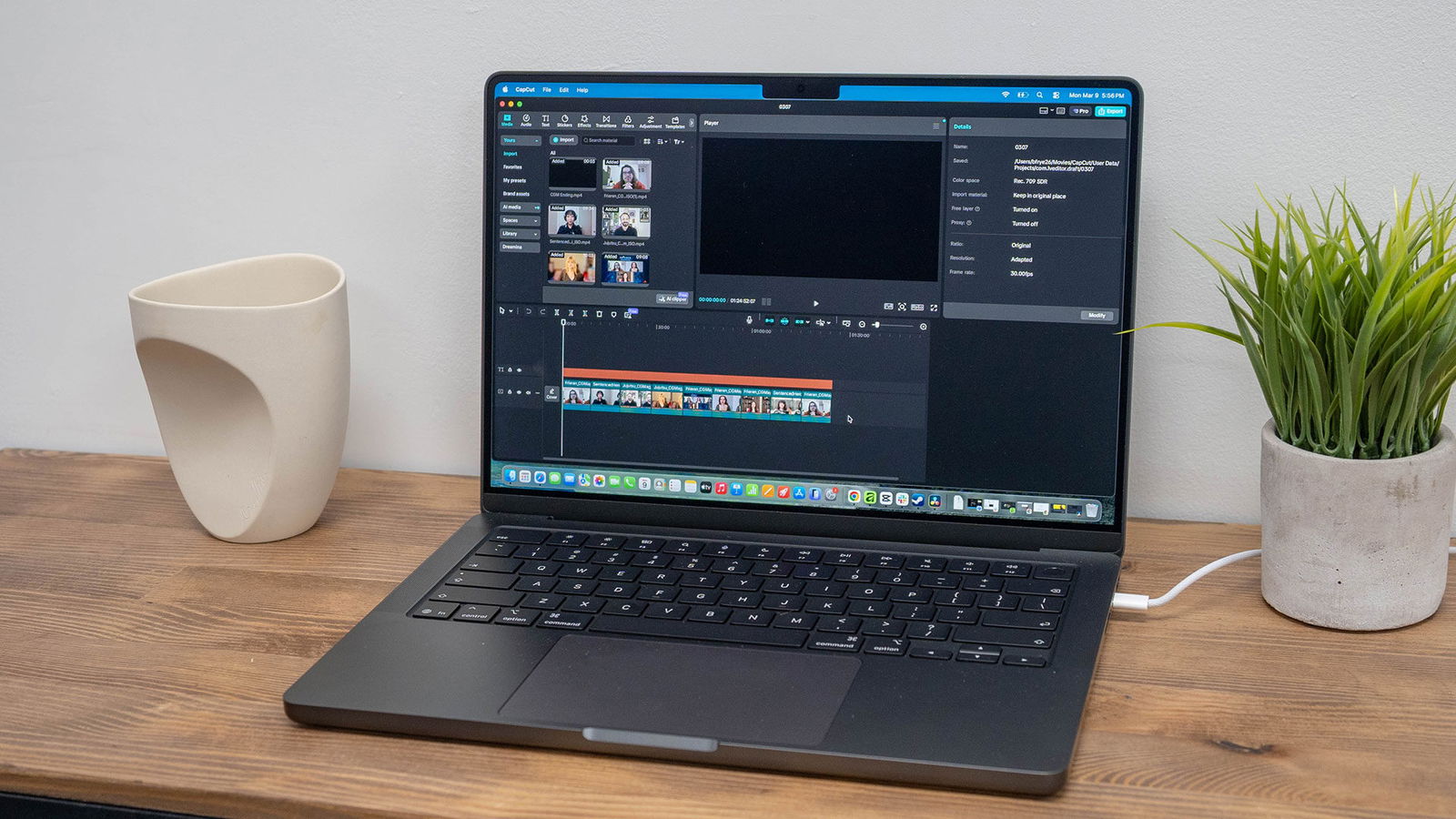
Starting with our video rendering tests, the 2026 14-inch MacBook Pro with M5 Pro delivered solid performance in both CapCut and DaVinci Resolve, showcasing the improvements the new system-on-chip can provide, even if the performance gap between M5 and M5 Pro is relatively minor. In CapCut, encoding and exporting an 84-minute 4K video with basic transitions took 37 minutes on the M5 Pro MacBook Pro, compared with 42 minutes on the M5 MacBook Pro. The same trend appeared when we reduced the export duration and quality. A 10-minute 4K video took eight minutes on the M5 Pro model, compared with 10 minutes on the M5 MacBook Pro.
The same performance increase was observed when we ran a similar export project in DaVinci Resolve Studio, with the 14-inch MacBook Pro with M5 Pro delivering a 15 to 20 per cent performance increase compared with the 2025 M5 MacBook Pro. This was consistent across most of our testing, including the 10-minute video export test and the full 84-minute export. We also saw around a 24 per cent increase in export speeds when working with colour-corrected Six Invitational footage from Paris 2026.
Gaming also saw similar improvements across a range of titles, most notably in Cyberpunk 2077 at 1080 x 1200 on Ultra settings. The 2026 MacBook Pro with M5 Pro saw around a 46 per cent performance improvement compared with the 2025 M5 MacBook Pro, 66.5 frames per second versus 41.5. Looking at how Apple has improved the system-on-chip this year, along with the jump in memory from 16 GB to 64 GB, the difference makes a lot of sense.
Similar gains were seen across a range of titles, including Death Stranding, Stray and Resident Evil 4. While gaming on macOS is still nowhere near as robust as on PCs, Apple’s Metal API is helping close the gap and enabling Apple’s ARM-based silicon to deliver solid results across a range of titles.
One advantage of Apple silicon is that these laptops have the potential to deliver much better battery life than Intel and AMD options on the market. While x86 systems can be very powerful, until recently, that performance often came at the expense of longevity. The 16-inch model is rated for up to 24 hours of video streaming, making it the longest-lasting Mac laptop Apple has ever built.
The 14-inch model with the M5 Pro is rated for up to 22 hours of video streaming. Both support fast charging via MagSafe, reaching up to 50 per cent in about 30 minutes with the right adapter, 96 watts for the 14-inch and 140 watts for the 16-inch, and this advertised charging speed seems consistent with all benchmarks done at CGM HQ.
In real-world testing, you can use the 2026 MacBook Pro throughout the day without worrying about a charger in most situations, but as expected, battery life takes a hit once you start pushing the system. If you are just watching video or streaming Spotify or Netflix, you should be able to get close to the rated 24 hours without much trouble. Once you start editing video or playing games, however, that number is effectively cut in half.
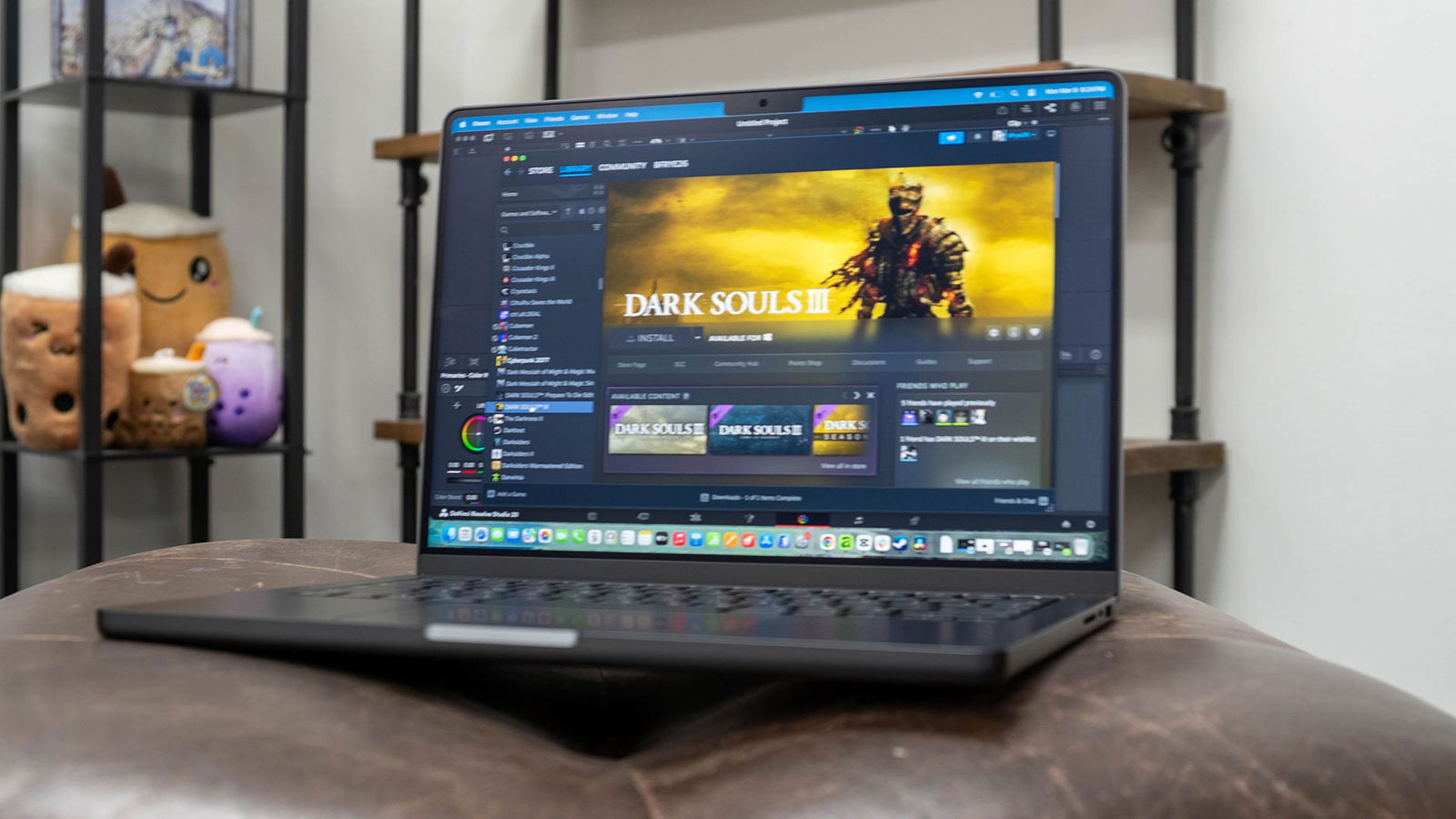
In most cases, you are likely looking at around 10 to 12 hours of battery life, depending on how hard you push the machine. In our tests, that varied by application. Final Cut Pro seemed less demanding on the battery than DaVinci Resolve, but the overall story stayed relatively consistent.
On the software side, the new MacBook Pro ships with macOS Tahoe, which introduces the Liquid Glass design seen throughout the UI. Everything from the Dock to the menu bar and app windows gets a fresh look that still feels very Mac. Whether that is a good or bad thing depends on your personal taste, but thankfully, it is relatively inoffensive and does not get in the way while using the laptop. Apple Intelligence is baked deeper into the system, powering Live Translation in Messages, FaceTime and phone calls, new options in Genmoji and Image Playground, and smarter Shortcuts that tap directly into on-device AI models.
This year’s MacBook Pro M5 Pro lineup feels very much like an iterative step, bringing the performance of the newest Apple silicon to a range of laptops often considered the gold standard for creators and professionals. The laptop is very much an evolution of what worked in past models, with hardware improvements that lead to real-world results, provided you are moving from an older laptop in Apple’s lineup. It is not groundbreaking, but it does not need to be, and it delivers battery life, performance and a unified vision that make it an easy laptop to recommend.
For anyone coming from an M1 or M2 MacBook Pro, or even an older Intel model, this is a compelling upgrade on every front. Apple’s trade-in program can help offset the cost, and the jump in performance, battery life, display quality, and connectivity is hard to ignore. If you picked up an M4 model recently, the improvements are real but more incremental. The biggest draws here would be the AI training capabilities, faster storage and Wi-Fi 7.
The 2026 MacBook Pro with M5 Pro feels like Apple doing what it does best: refining a proven formula with meaningful upgrades. It remains the laptop to beat for anyone who treats their computer as a serious tool, and it is still one of the best-looking laptops currently on the market.